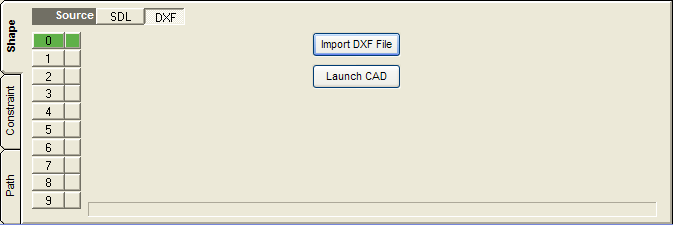
The DXF Shape source initial screen. Either import a DXF file or launch your CAD program to create or modify a DXF file. The CAD launch button can be enabled in the settings.
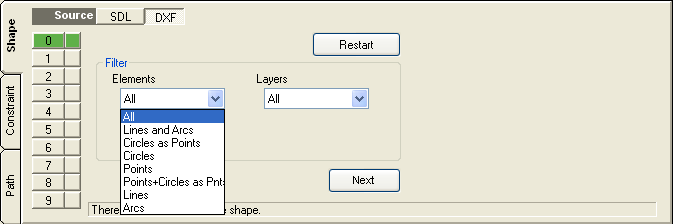
DXF element filter screen. Filters what elements and from what layers elements are imported.

Chain and element selection screen allowing you to keep or delete selected items. Click on accept to lock the shape in.

Once a shape has been locked in you may restart the DXF import from the beginning


